
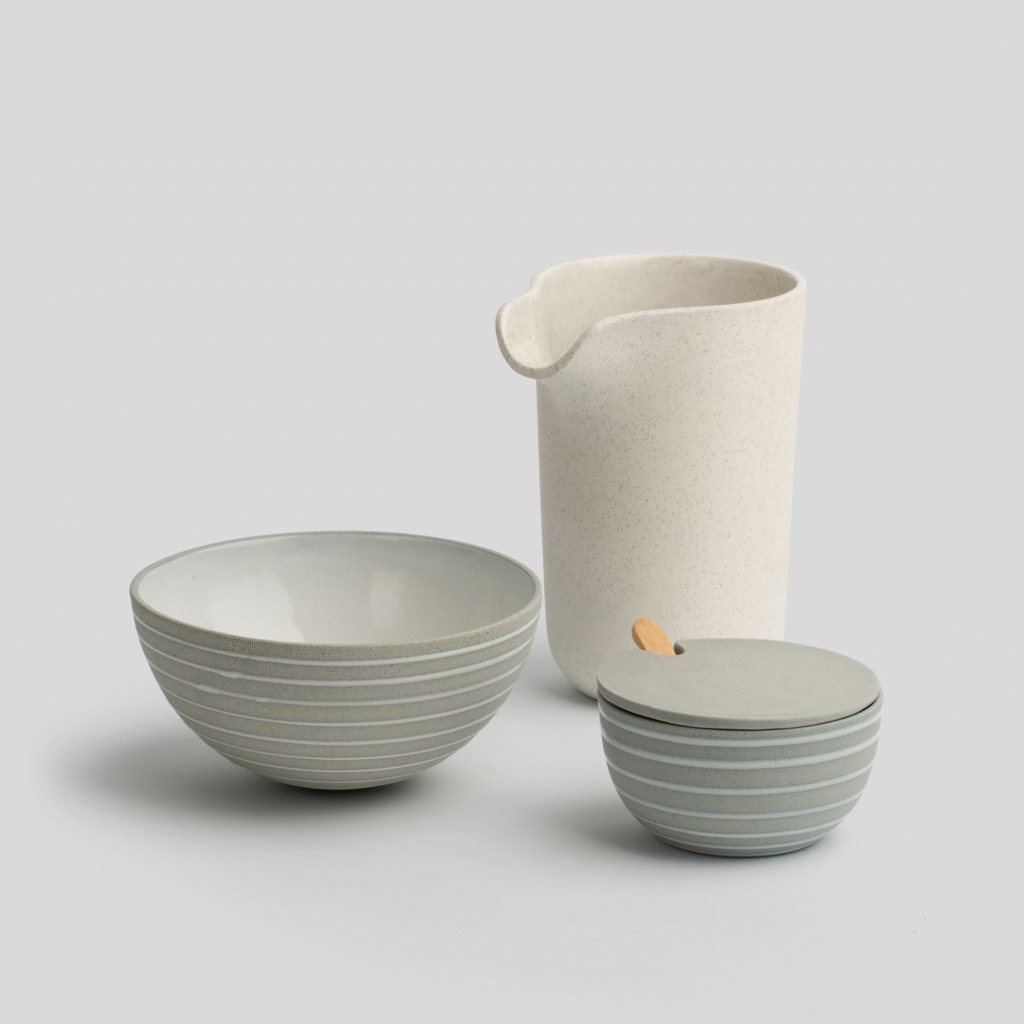
Light and Shadow as the Foundation of Realism
In image editing, creating realistic shadows and reflections is crucial for anchoring an object in an environment and giving it depth. Before diving into specific techniques, it’s vital to understand the fundamental principle of light. The image’s light source dictates the direction, intensity, and form of both shadows and reflections. When working with a symmetrical object, it is essential to think in symmetrical shapes to create a believable placement in the image. A correctly executed shadow and reflection can transform a flat object into part of a coherent scene, and the first approach is always to analyze how light hits and interacts with the object from all angles. This understanding is the foundation that makes all subsequent edits convincing.
Techniques for Symmetrical Shadow Creation
When working with a symmetrical object, the goal is to create a shadow that reflects this symmetry and provides a sense of balance. The most effective method is to create a shadow manually. Start by duplicating the object’s layer, filling it with a dark color, and placing it below the original layer. Then, use transformation tools like Warp or Skew to stretch and shape the shadow so it lies flat on the surface. This is where you actively create symmetry by ensuring the shadow is equally distributed on each side of the object’s central axis. A shadow will typically become softer the further it is from the object. Therefore, you use a Gaussian Blur filter to blur the shadow’s edges, but with a transition from sharp to soft that enhances depth. By setting the layer’s blend mode to Multiply and reducing the opacity, the shadow integrates naturally into the image without looking artificial.
HQ Edit Copenhagen
Contact 10 til 16 CET.
Creating Realistic and Symmetrical Reflections
Symmetry is not only important for shadows but also for reflections, especially when the object is placed on a shiny, smooth surface. The starting process is simple: duplicate the object’s layer and use the “flip vertical” function to create a perfect mirror image. Then, you position the duplicated version so it aligns precisely with the bottom of the original object. To make the reflection realistic, it must have a certain transparency, which you adjust with the layer’s opacity. Furthermore, reflections often need to be softened and faded out at the bottom. This is achieved by adding a Layer Mask and using a Gradient Tool with a black-to-white transition. The gradient is applied to the mask and creates a smooth fade that simulates the reflection disappearing. If the surface is slightly uneven, you can use a light Motion Blur to add a touch of movement.
The Interplay of Symmetrical Shadows and Reflections
The true art lies in combining shadows and reflections to create a cohesive, convincing image. Once you have created both a symmetrical shadow and a symmetrical reflection, you must ensure they are both based on the same logical light source. The angle of the shadow must be consistent with how the light hits the object and the resulting reflection. This creates a visual harmony that solidifies the object’s presence. Use layer masks and adjustment layers to fine-tune the details. You can use a mask to precisely shape the shadow’s edges or to control where the reflection is most prominent. Small adjustments in hue, saturation, and brightness can also help the shadow and reflection to be fully integrated into the image’s surroundings. This interplay between precise manipulation and a deep understanding of light is what differentiates a good edit from an outstanding one.